Hardware
Hardware for face scan access control
Justface hardware makes it possible to use face scan with electric doors, gates, turnstiles, speed gates and other access points. The specific setup is tailored to the location, your existing systems and how access works in daily operations.
At the access point
The physical setup behind Justface
Justface consists of the software behind face scan, hardware and integrations working together.
The hardware is placed at the access point and connects the user's face scan with the existing access control.
Products
Hardware for different access needs
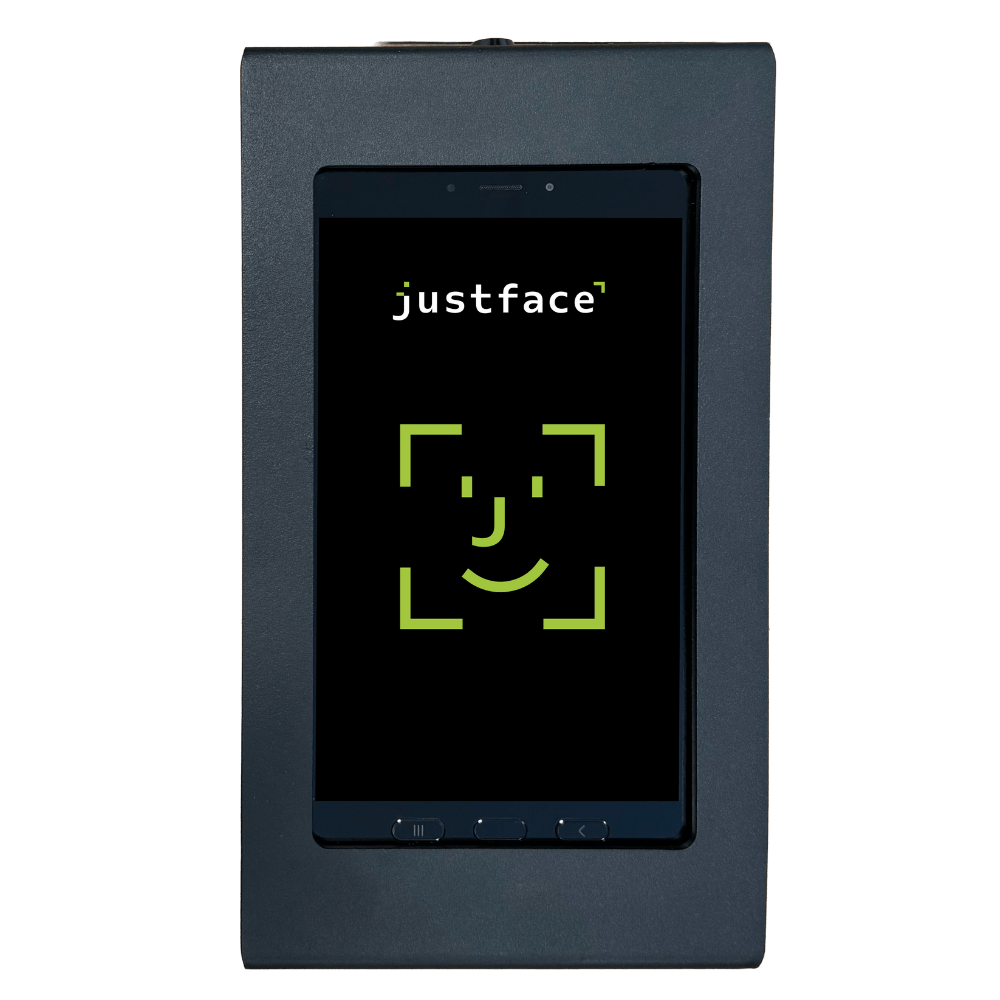
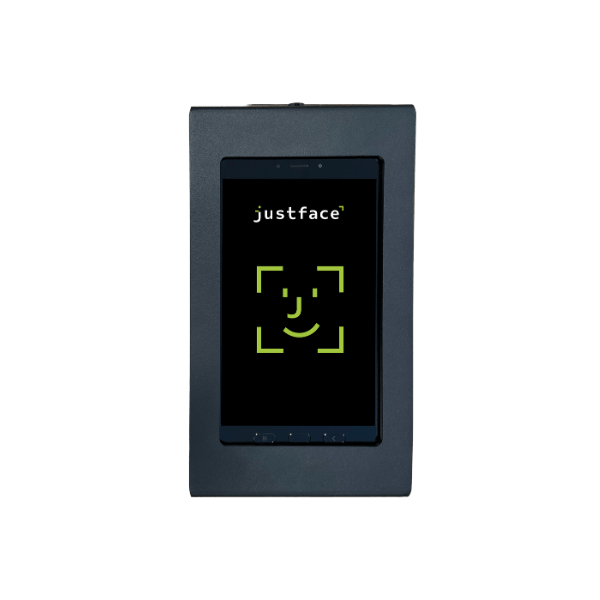
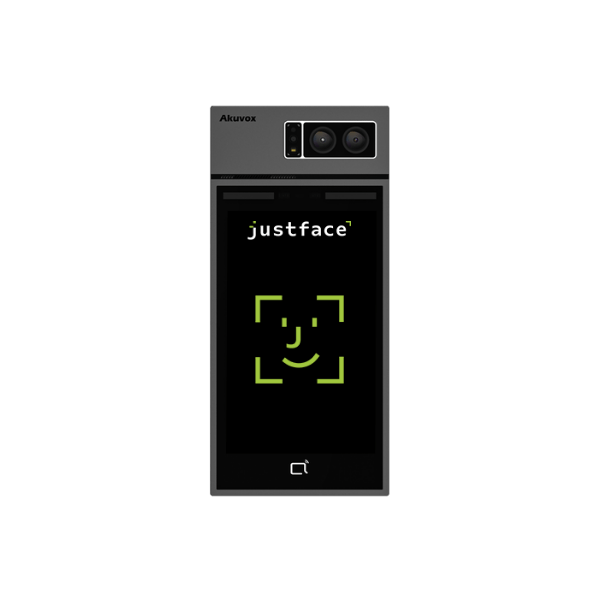
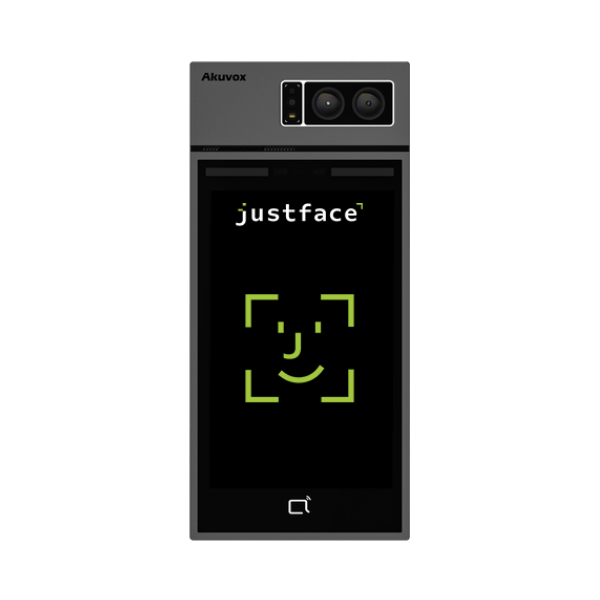
Indoor face scanner
Used at indoor access points where the user scans their face and gains access if they have the necessary permissions.
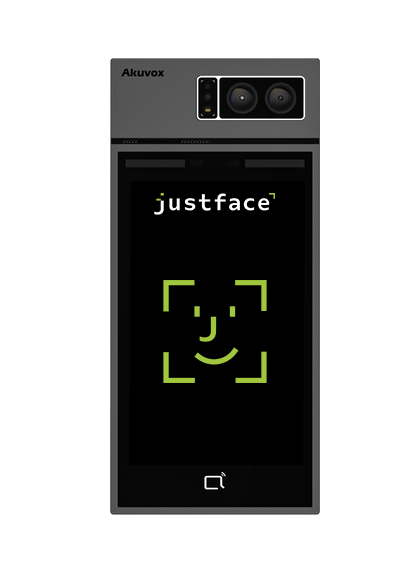
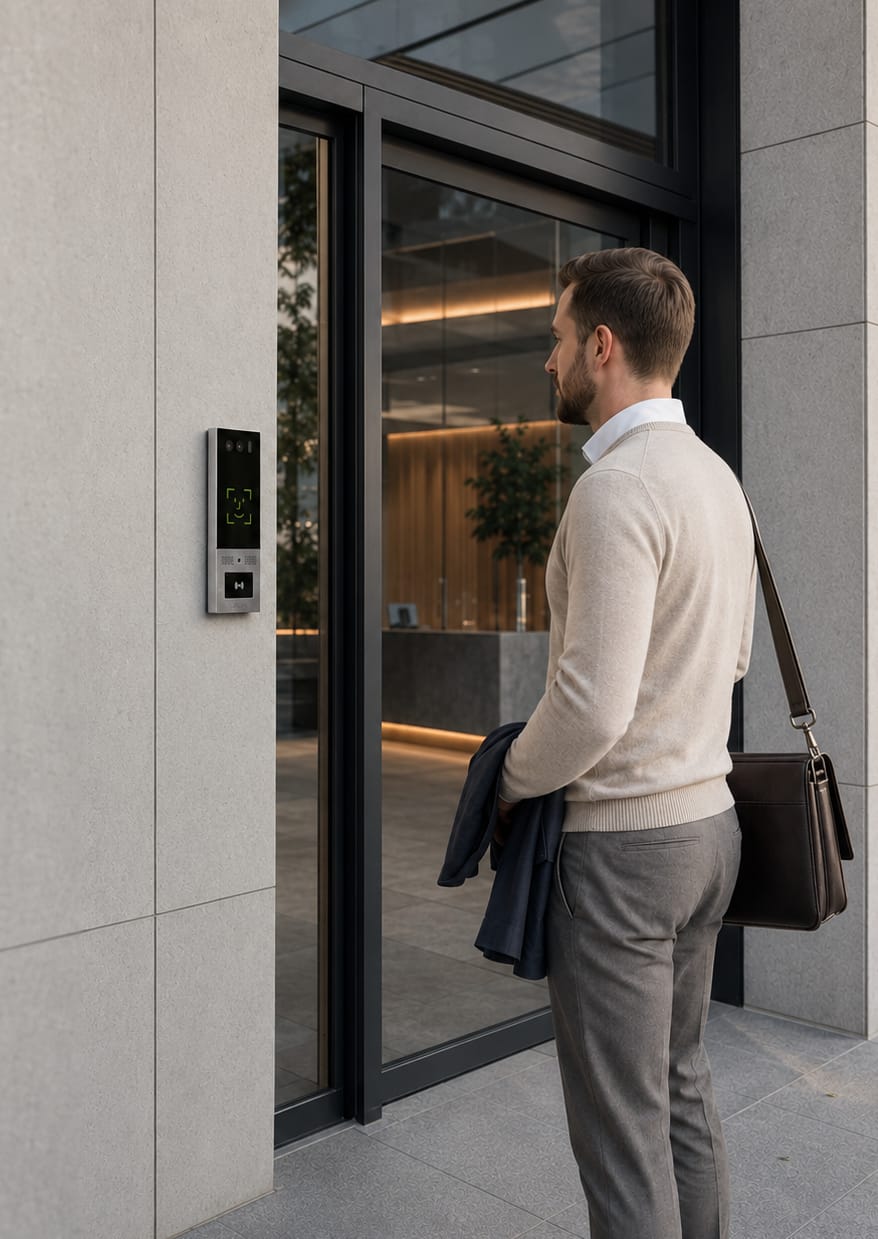
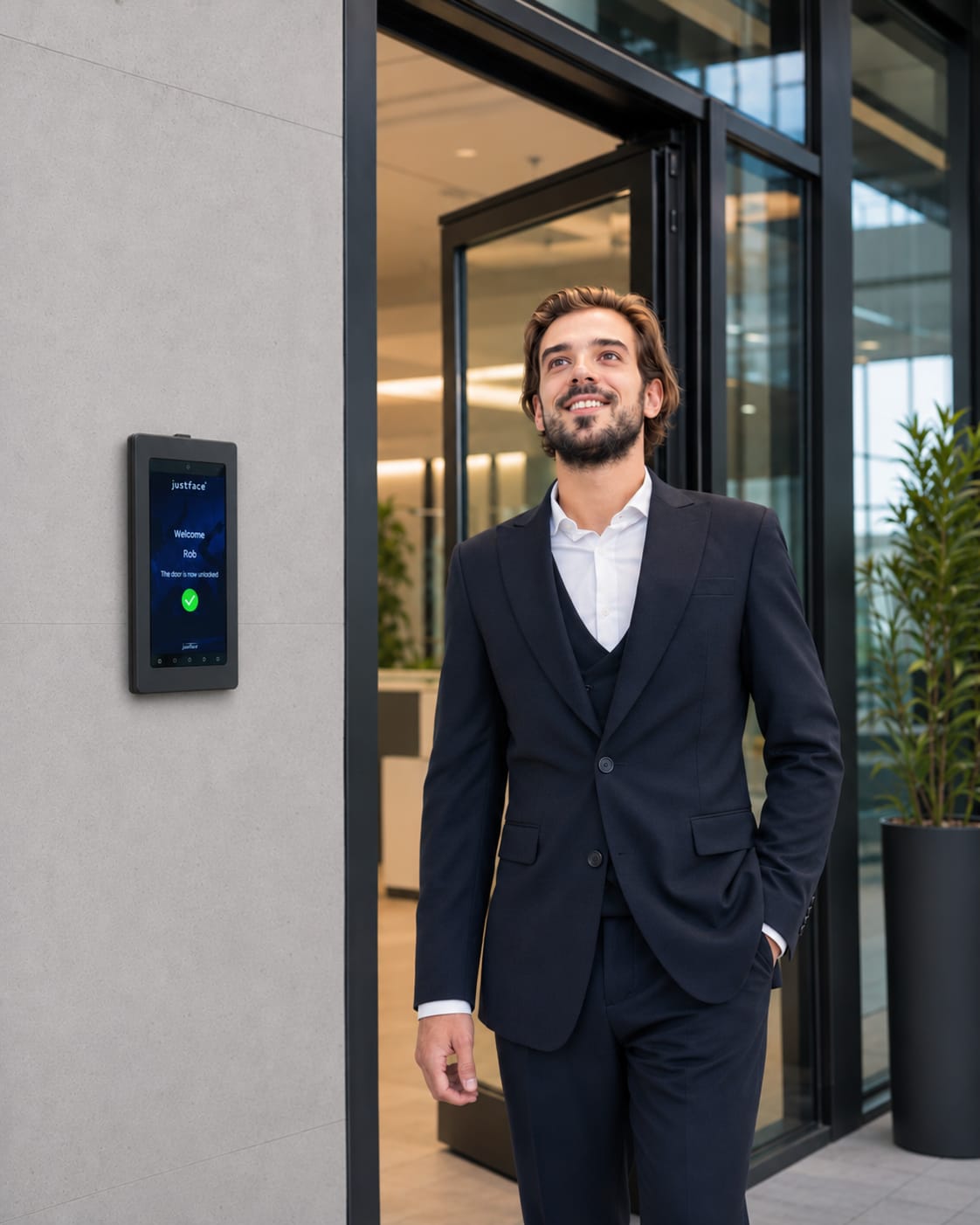
Outdoor face scanner
Can be used at relevant outdoor access points where the solution must function under varying light and weather conditions.
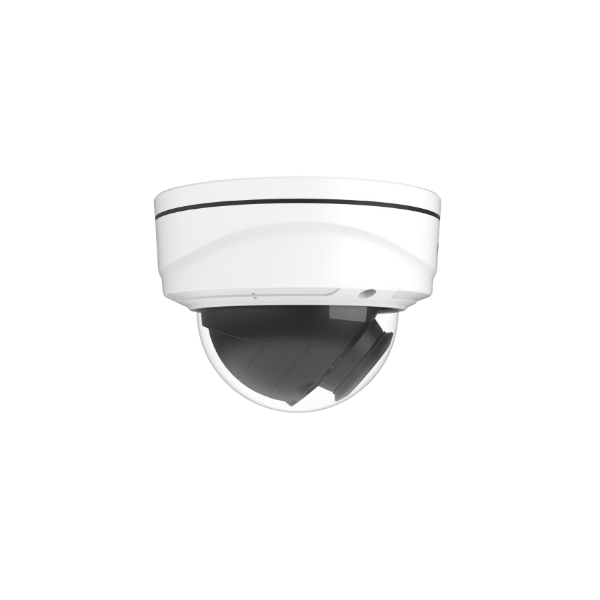
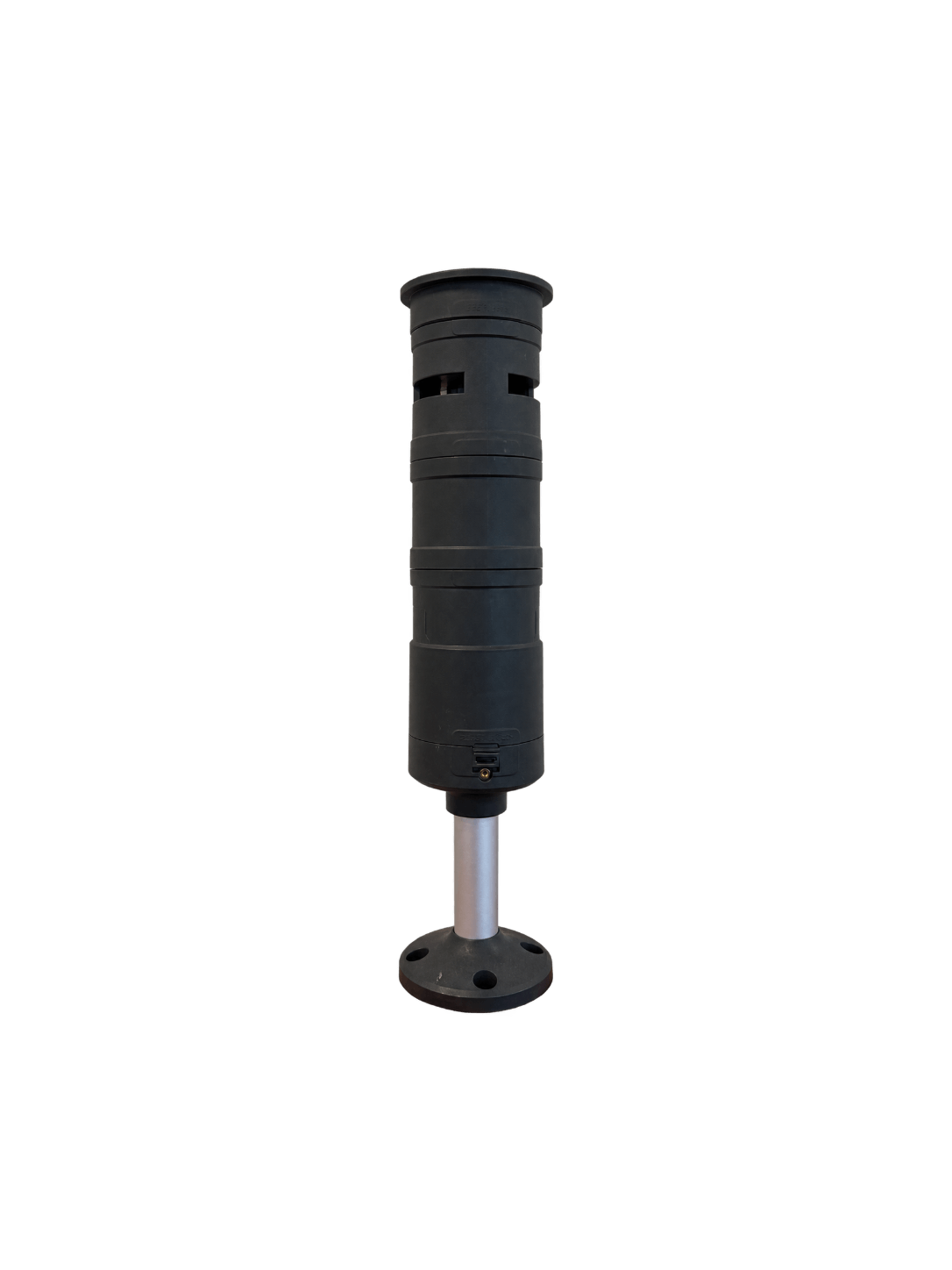
Light tower or light barrier
Can be used at access points where passage and access events need to be registered more clearly.
Among other things, this helps create an overview of traffic at a door, security lane or turnstile.
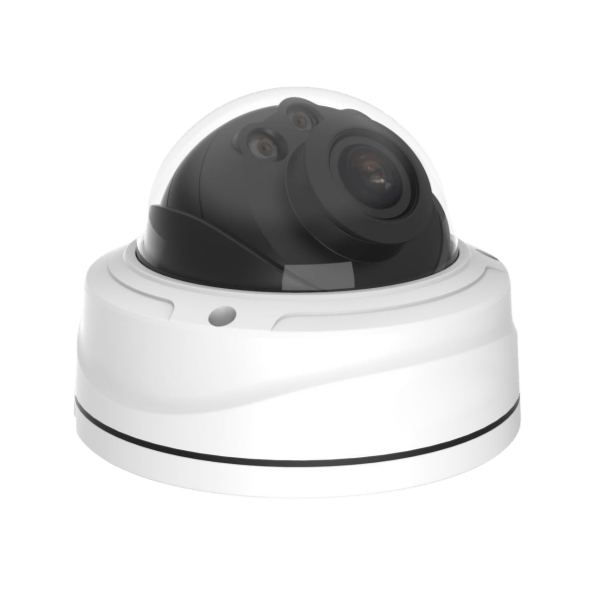
Intercom and live video chat
Can be used when guests, suppliers or other visitors need contact or assistance at the door.
Locations
Where can the hardware be used?
Justface hardware can be adapted to various types of access points, including:
- Electric doors
- Gates
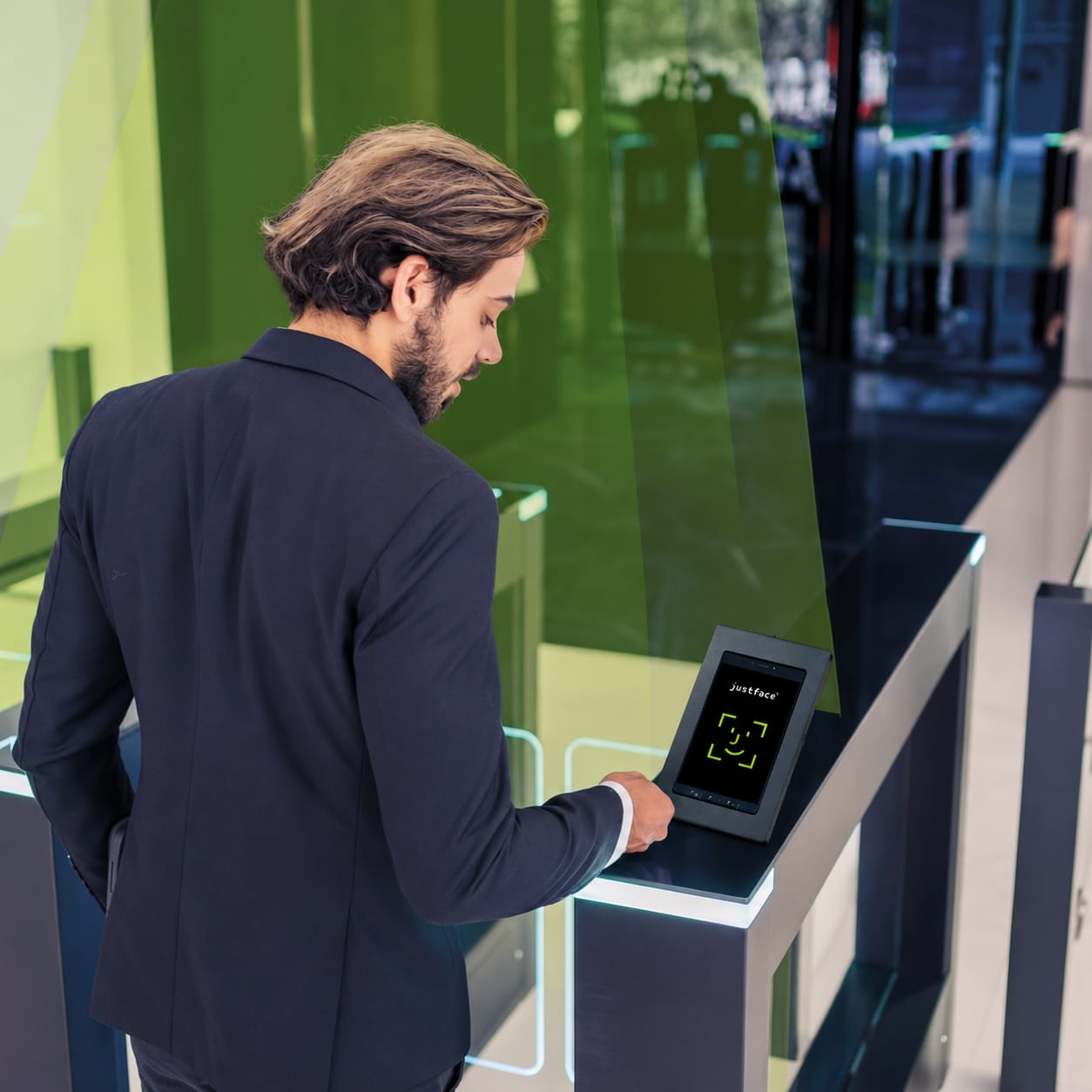
- Turnstiles
- Access speed gates
- Receptions
- Fitness entrances
- Employee entrances
- Unmanned entrances
What you get
What does the hardware help with?
No standard package
Hardware that fits into your setup
The right hardware setup depends, among other things, on the access points, existing installations, user flow and surroundings.
That is why we start by clarifying where Justface will be used and what is already installed. This ensures the hardware is chosen based on the specific access situation — not as a one-size-fits-all standard package.
No standard package
Hardware that fits into your setup
The right hardware setup depends, among other things, on the access points, existing installations, user flow and surroundings.
That is why we start by clarifying where Justface will be used and what is already installed. This ensures the hardware is chosen based on the specific access situation — not as a one-size-fits-all standard package.
Installation and responsibility
Who does what?
The physical installation is typically carried out by the customer's electrician or installation partner. Justface provides the necessary technical material and assists with clarification and support by agreement.
Justface helps with
- Clarification of the relevant setup
- Technical documentation
- Coordination regarding the solution
- Setup and support by agreement
Your electrician assists with
- The physical installation
- Cabling and power
- Connection to the relevant access points
- Work on the existing access setup
Hardware is one part of the complete setup
See how Justface connects to access points, systems, and user flows – from initial consultation to daily operation.
FAQ
Hardware and installation

Write to Daniel Rasmussen, Technical Infrastructure Specialist & Support.
What does Justface consist of?
Justface consists of face scanning, hardware, software, and integrations that together make it possible to use your face as an access method.
What is a light tower or light curtain?
A light tower or light curtain is used at access points where passage and access events need to be registered more clearly.
Who installs the hardware?
The physical installation is typically carried out by the customer's electrician. Justface provides technical documentation and can assist with support by agreement.
Can Justface be used outdoors?
Yes, Justface can be used at relevant outdoor access points, depending on location, hardware, and the specific setup.
Next steps
Ready to see Justface in action?
Book a meeting and get a concrete walkthrough of how Justface can fit your entrances, systems, and daily operations.